Learn how to choose hospital management software in India by evaluating core modules, cloud vs on-premises deployment, ABDM readiness, data security, billing, pricing, training and vendor support.
Most hospitals do not struggle to find hospital management software. They struggle to choose it. Search the category and you will find dozens of vendors, each promising a complete, affordable, all-in-one system. The demos look alike and the feature lists read alike. The differences show up three months later, when the billing desk is still keeping a side notebook, the internet drops during OPD hours, or nobody can export the hospital's own data.
This guide is for hospital owners, medical directors, administrators and clinic owners in India who want to know how to choose hospital management software that fits their actual workflow. It covers the modules to expect, cloud versus on-premises, ABDM and data-protection checks, questions to ask in a demo, pricing models and a checklist you can print. Mediquince is mentioned where it is relevant, but the framework works whichever vendors you shortlist.
In short:
- Write down your five biggest daily bottlenecks before you look at any demo.
- Decide whether you need cloud, on-premises or hybrid deployment.
- Ask about ABDM readiness and data protection, and get the answers in writing.
- Test billing and IPD with your own real scenarios, not the vendor's script.
- Confirm training, support, data ownership and exit terms before you sign.
What Is Hospital Management Software?
Hospital management software (also called a hospital management system, HMS or HMIS) connects the front desk, doctors, billing, pharmacy, laboratory, wards and management reports on one shared patient record. Instead of copying a patient's details into a registration register, a billing counter, a pharmacy bill and a lab form, the details are entered once and follow the patient through the visit.
A simple test: if your staff still type the same patient details in three places, the system is not doing its job.
Core Modules to Expect in a Hospital Management System
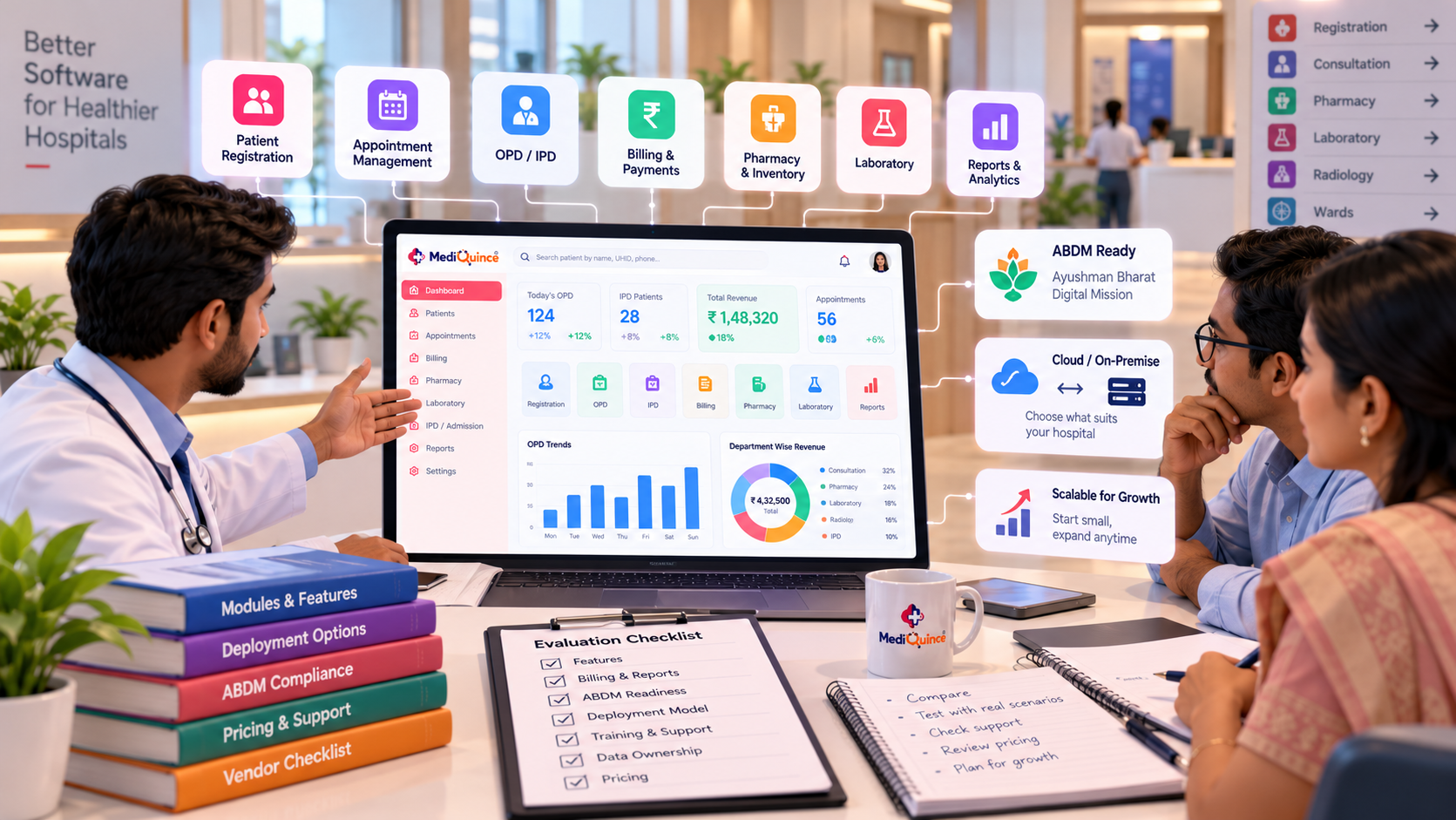
Exact module names vary by vendor, but most hospitals should look for the following. The right-hand column gives you a question to ask in the demo.
How to Choose Hospital Management Software: 8 Steps
Step 1: Map your workflow before you see a demo
Vendors will happily show you everything. You should show them one thing: where your hospital loses time today. Spend an hour with reception, the billing desk, the pharmacy, the nursing station and the lab, and list the five most frequent problems. Typical examples are long OPD queues at the registration counter, billing errors between departments, medicines expiring unnoticed, and discharge delays caused by paperwork.
Take that list to every demo. A system that solves your five problems is better than one with a hundred features you will never switch on.
Step 2: Decide between cloud, on-premises and hybrid
This is the decision many Indian hospitals skip, and it matters most outside metro cities where internet reliability can vary. The table describes general characteristics; actual terms differ by vendor.
Mediquince offers both a cloud platform and an on-premises deployment. According to its on-premises page, the on-premises version supports offline access to essential modules over the local network, synchronises with the cloud when connectivity returns, and allows migration from on-premises to cloud later. If you are unsure, ask any vendor whether you can start in one model and move to the other without re-entering data.
Illustrative example (hypothetical): A 40-bed hospital in a Tamil Nadu town sees its heaviest OPD load between 9 and 11 a.m. If the internet fails during those two hours and the software is cloud-only, registration and billing stop. A hybrid setup lets the counters continue and sync later. The right answer depends on your connection, not on what is fashionable.
Step 3: Check ABDM readiness and fit with Indian workflows
The Ayushman Bharat Digital Mission (ABDM) is building a shared digital health ecosystem around a 14-digit ABHA health ID, a Health Facility Registry (HFR) for hospitals and clinics, and a Healthcare Professionals Registry (HPR) for doctors and other professionals. ABDM guidance states that facilities should check with their vendor that they are using ABDM-compliant software.
Software is certified in stages, commonly referred to as milestones: M1 covers ABHA creation and verification, M2 covers linking and sharing health records, and M3 covers consent-based sharing. Certification applies to the software, while each facility registers separately in the HFR (at facility.abdm.gov.in).
What to ask your vendor:
- Is the software listed as ABDM-enabled, and which milestones has it completed?
- Will the vendor help register our facility in the HFR and our doctors in the HPR?
- Is ABDM support included in the price or charged separately?
- If we work with government health schemes, which ABDM requirements apply to us? (Confirm this with the scheme authority, not only the vendor.)
Beyond ABDM, check Indian workflow fit: GST-ready invoices, multiple consultation fee structures, family-based patient records, UPI payments and local-language needs for patient communication.
Step 4: Test billing depth with your own scenarios
Billing is where most hospital software disappointments surface, because Indian hospitals have complicated money flows. Give each vendor three or four real cases and watch the software handle them live: an IPD patient with an advance deposit and a mid-stay package change, a refund after a cancelled scan, a patient who pays part by UPI and part in cash, and an insurance or corporate patient.
Also ask whether each billing counter can work independently while still feeding one consolidated financial report. Mediquince's hospital solutions page describes this as counter-wise billing, where counters can be assigned to departments or doctors.
Step 5: Evaluate security, access control and data ownership
A hospital holds some of the most sensitive personal data there is. India's Digital Personal Data Protection (DPDP) Rules were notified in November 2025 with a phased timeline, and the main obligations on data fiduciaries take effect around May 2027, according to published summaries. The Government's own explainer notes penalties of up to Rs 250 crore for failing to maintain reasonable security safeguards. This is not legal advice, so discuss your obligations with a qualified adviser, but you can already ask vendors practical questions:
- Can I set role-based access so each staff member sees only what they need?
- Are user actions recorded in activity logs?
- How are backups taken, how often, and where are they stored?
- Can I export all my data in a usable format if I leave?
- What happens, step by step, if there is a data incident?
Mediquince's on-premises page lists role-based access, activity logs and monitoring, and IP-based access control with geofencing, along with data backup. Ask to see these in the demo rather than taking any brochure's word for it.
Step 6: Ask about implementation, training and support
Software fails more often from poor adoption than from missing features. Ask for a written implementation plan covering data migration from your current records, who sets up your fee structures and departments, how many staff are trained and for how long, and what support looks like after go-live (channels, response times, on-site help).
For reference, Mediquince's on-premises page describes a two-week staff training programme, an online helpdesk and self-learning video tutorials. Whatever the vendor, get the training scope in the contract.
Step 7: Run the demo with your own scenarios
A good demo is a rehearsal of your hospital's day. Ask the vendor to walk through: registering a new patient and a returning family member, booking a follow-up, admitting a patient and allocating a bed, ordering a lab test and viewing the result, dispensing medicines and reconciling stock, and closing the day's collection. Bring a receptionist, a billing clerk and one doctor to the demo. If your own staff find it confusing in an hour, expect the same on day one.
Step 8: Understand the pricing model fully
Hospital software in India is typically priced on some mix of beds, doctors, modules, deployment type and support. Ask for an itemised quote and clarify: what is included in the base price, what costs extra (additional doctors, branches, ABDM support, SMS or WhatsApp messaging, customisation), whether pricing is monthly or yearly, and what the exit terms are. Mediquince's pricing page offers monthly and yearly options with pricing that depends on bed count and add-on doctors, and its hospital software page states there is no lock-in period. Always confirm current commercial terms directly in writing.
Hospital Management Software for Small and Mid-Size Hospitals: What Changes?
Small hospitals and nursing homes (roughly up to a few dozen beds) should prioritise a short list: registration, OPD, billing, pharmacy and basic IPD. Resist enterprise features you will not use. Training time is critical because small teams cannot spare staff for weeks. Ask whether a clinic-focused edition fits better (see Mediquince'sclinics and nursing home software).
Mid-size and multi-specialty hospitals need cross-department coordination: counter-wise billing, ICU records, lab and radiology integration, role-based access for many users and management dashboards. Ask how the system behaves with many simultaneous users and several departments.
In both cases, a phased rollout is usually safer than switching everything on one day. Start with registration and billing, add pharmacy and IPD, then analytics. Keep a fallback process for the first couple of weeks.
Common Mistakes When Buying Hospital Management Software
- Buying on feature count. Fit with your workflow matters more than the length of the list.
- Ignoring offline reality. Plan for internet and power interruptions.
- Skipping staff involvement. If front-desk and billing staff are not in the demo, adoption suffers.
- No exit plan. If you cannot export your data, you are locked in whatever the contract says.
- Not testing edge cases. Refunds, deposits, packages and part-payments expose weak billing.
- Treating ABDM and data security as a checkbox. Ask what is actually certified and what is actually enabled.
- Paying for modules you will not use. Start with what you need and add as you grow.
Where Mediquince Fits
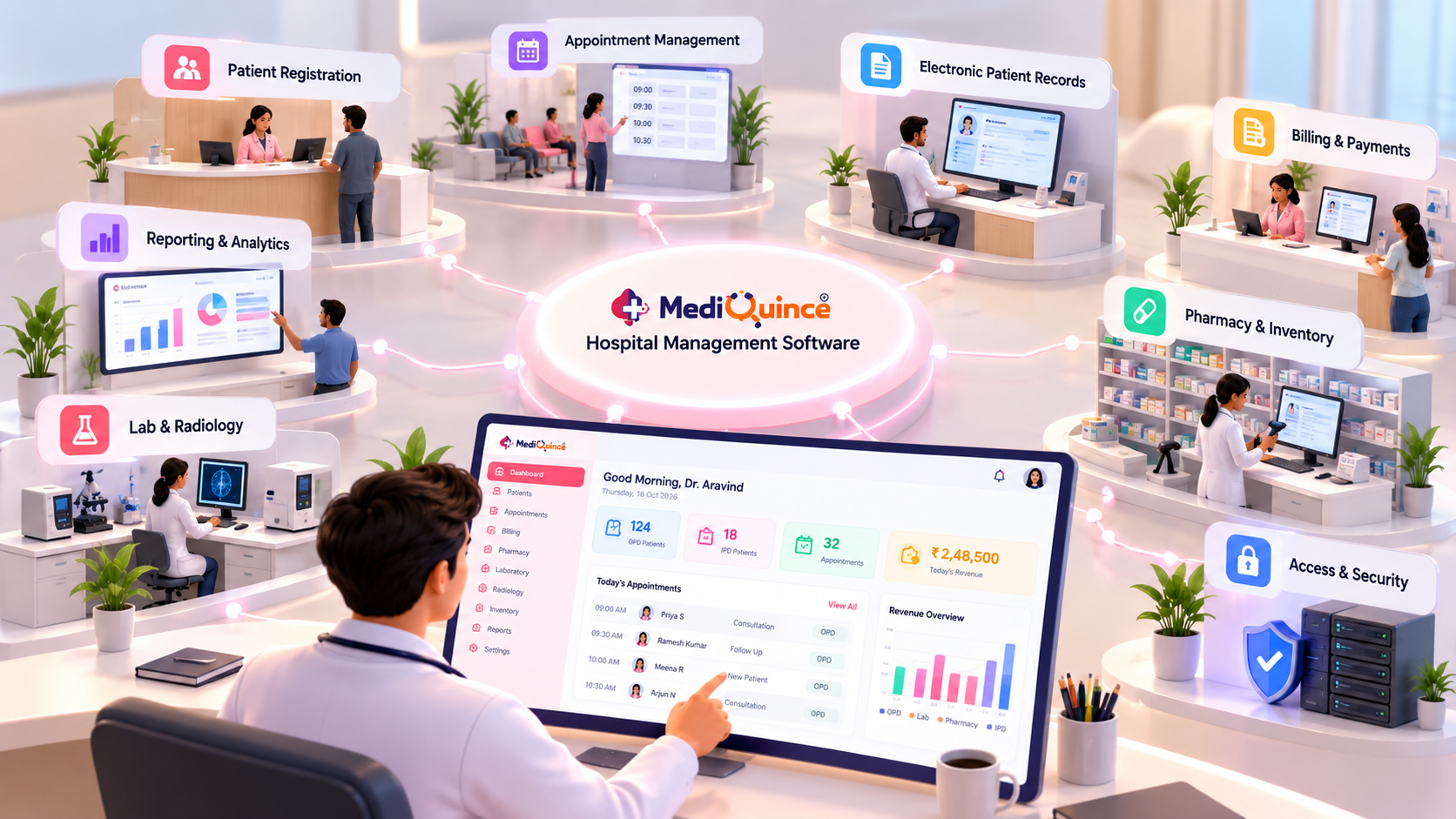
Mediquince is a cloud-based hospital management system for hospitals and clinics, with an on-premises option. Based on what the company publishes on its website, it covers:
- Front desk and wards: OPD and IPD registration, admission and discharge workflows, bed allocation and monitoring, and a virtual queue with QR-based check-in. See the hospital management software page.
- Billing and revenue: counter-wise billing, expense management and revenue tracking with custom reports.
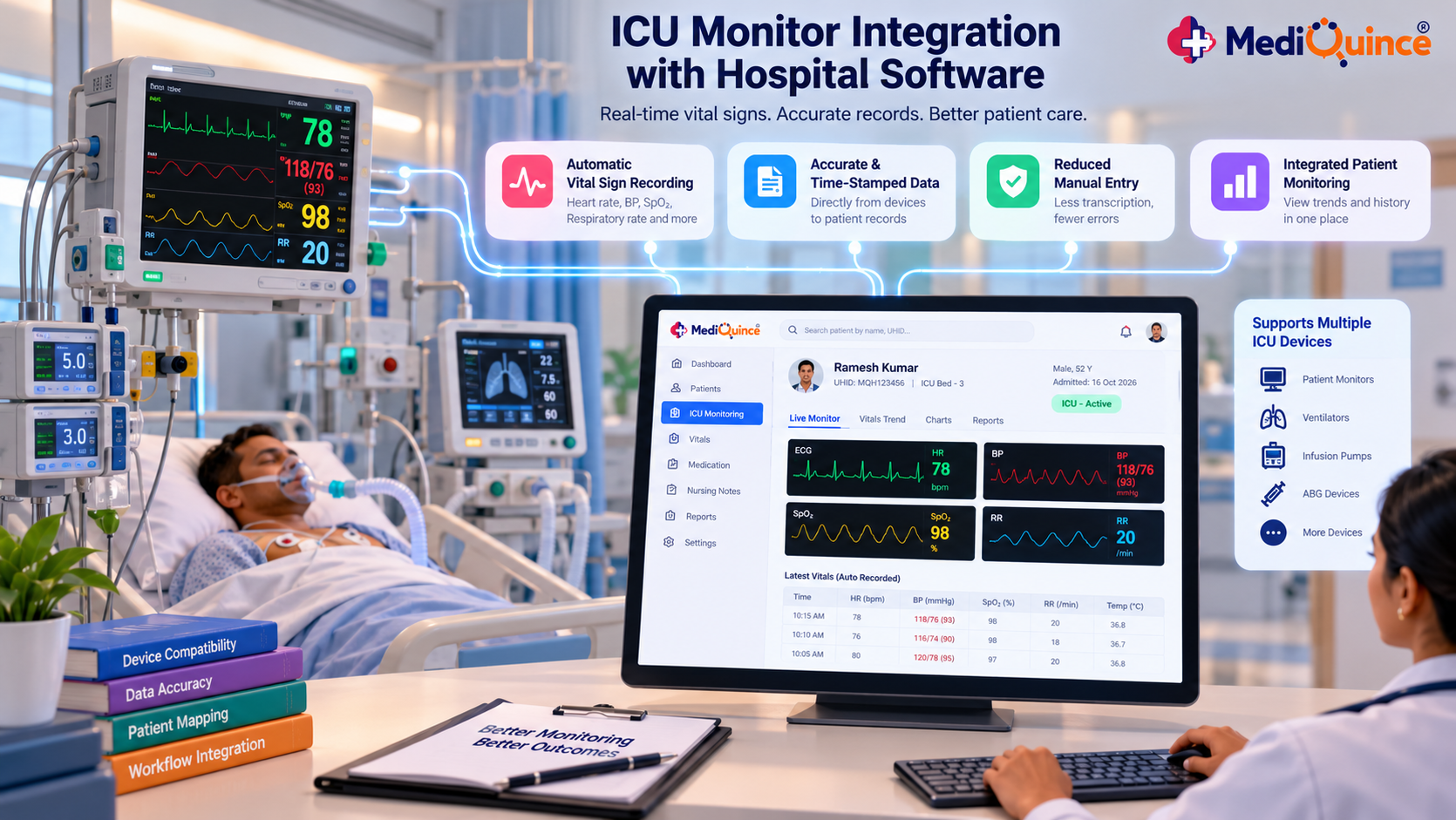
- Clinical: electronic health records, digital prescriptions, writing pad and voice notes, ICU monitor integration, and a doctor app for appointments, patient notes and video or voice consultation.
- Pharmacy, lab and scan: medicine stock monitoring and lab and scan reporting; see the pharmacy and laboratory software pages.
- Patient communication: WhatsApp-based report and prescription sharing, booking and check-in alerts, appointment reminders and follow-up campaigns.
- Deployment: cloud, or on-premises with offline access and cloud sync.
It is built for a range of settings, from small clinics to multi-specialty hospitals. Whether it fits your hospital is exactly what the checklist below is for. Bring it to the demo, ABDM questions included.
Frequently Asked Questions
What is hospital management software?
Hospital management software is a system that manages a hospital's daily operations, including patient registration, appointments, OPD and IPD, billing, pharmacy, laboratory, records and reports, on a shared database so information is entered once and used across departments.
What are the main features of a hospital management system?
Core features include registration and appointments, OPD and IPD management, bed and admission control, billing, pharmacy and inventory, lab and radiology, electronic medical records and prescriptions, and reports. Many systems also add patient messaging and mobile apps for doctors.
Should a small hospital in India choose cloud or on-premises software?
It depends mainly on your internet reliability, budget and need for remote access. Cloud suits hospitals that want easy access and vendor-managed maintenance. On-premises suits those wanting local control. Hybrid models keep working offline and sync later. Ask whether you can switch models later without losing data.
What does hospital management software cost in India?
Costs vary widely with beds, doctors, modules, deployment type and support, so no single figure is reliable. Request an itemised quote and confirm what is included and what is extra. Mediquince'spricing page and quote form are the places to start.
What does ABDM-compliant hospital software mean?
It means the vendor's software has been integrated and certified to work with ABDM, for example by creating and verifying ABHA IDs and linking and sharing health records with patient consent. Ask which milestones are certified and whether the facility's HFR registration is supported.
How long does it take to implement hospital management software?
It depends on hospital size, data migration and how many modules you start with. Ask for a written timeline that covers setup, migration, training and go-live support rather than a verbal estimate.
Do small clinics need hospital management software?
Small clinics usually need a lighter system covering appointments, billing, prescriptions and records. See Mediquince'sclinic software for that scale.
Conclusion: Choose for Your Workflow, Not the Feature List
Knowing how to choose hospital management software comes down to a few disciplined steps: define your problems, pick the right deployment model, verify ABDM and data security, test billing with real cases, and get training, support and exit terms in writing. A system that fits your workflow and gets used daily will outperform a bigger system that staff avoid.
If you would like to see how Mediquince handles your OPD, IPD and billing scenarios, you can request a free demo and quote or explore the hospital management software page first.
Quick Tip
Before choosing a hospital management system, shortlist your five most important workflows and ask each vendor to demonstrate them using realistic hospital scenarios. Confirm data export, support terms and ABDM readiness in writing before signing the agreement.

Mediquince Product Team
The team that designs, implements and supports Mediquince HMS for hospitals, clinics, labs and pharmacies.