Discover the essential hospital management software features hospitals should evaluate, from patient registration and electronic records to billing, pharmacy, reporting and data protection. Learn how to prioritize requirements and test real workflows before choosing a system.
Hospital Management Software Features Hospital Management Software Features: What Hospitals Really Need
Hospital management software providers often advertise long feature lists. However, the number of listed features does not tell a hospital whether the system will support its actual workflow.
Decision-makers should focus on the functions required by their facility, the way those functions work together and the evidence provided during a demonstration.
Core Hospital Management Software Features
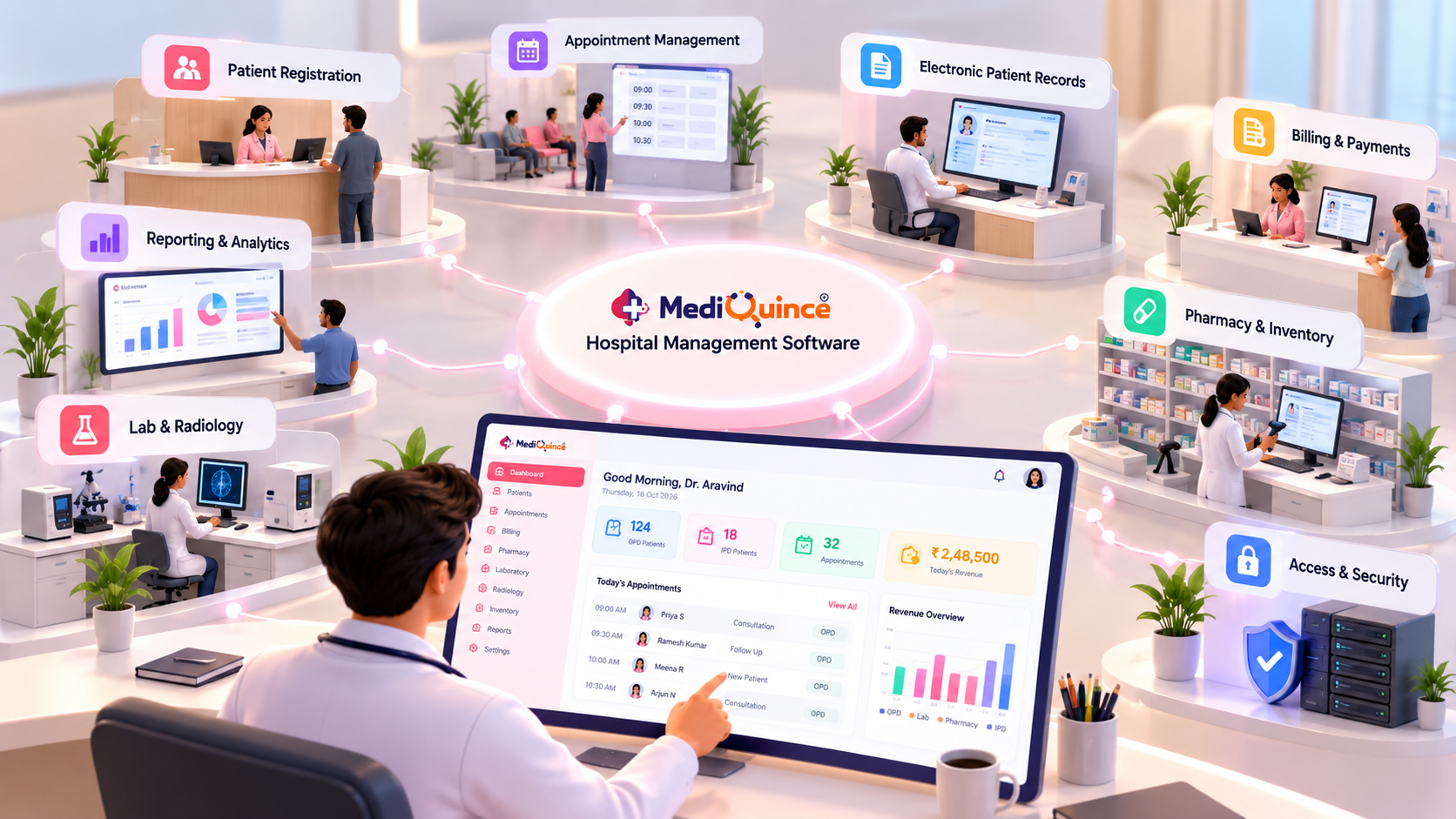
1. Patient registration
The system should support the hospital's registration process, patient identification and repeat-visit workflow.
2. Appointment and outpatient management
Evaluate appointment creation, schedule changes, patient tracking and consultation coordination according to the hospital's requirements.
3. Electronic patient records
Review how the system stores, retrieves and protects patient information. Check which clinical records and documentation functions are included.
4. Billing and financial records
Assess service billing, receipts, corrections, payment records and the reports required by finance teams.
5. Pharmacy and inventory
If the hospital operates a pharmacy, check the availability of stock, purchasing and dispensing functions. Confirm whether batch and expiry tracking are supported when required.
6. Reporting and dashboards
Identify the reports needed by administrators and verify the source data, filters and export options.
7. Access controls and data protection
Review permissions, backup arrangements, recovery procedures and the way access to sensitive information is controlled.
How to Prioritize Features
Divide requirements into three groups:
- Essential: required for daily operations at launch.
- Important: needed soon after implementation.
- Optional: useful only if a specific future requirement arises.
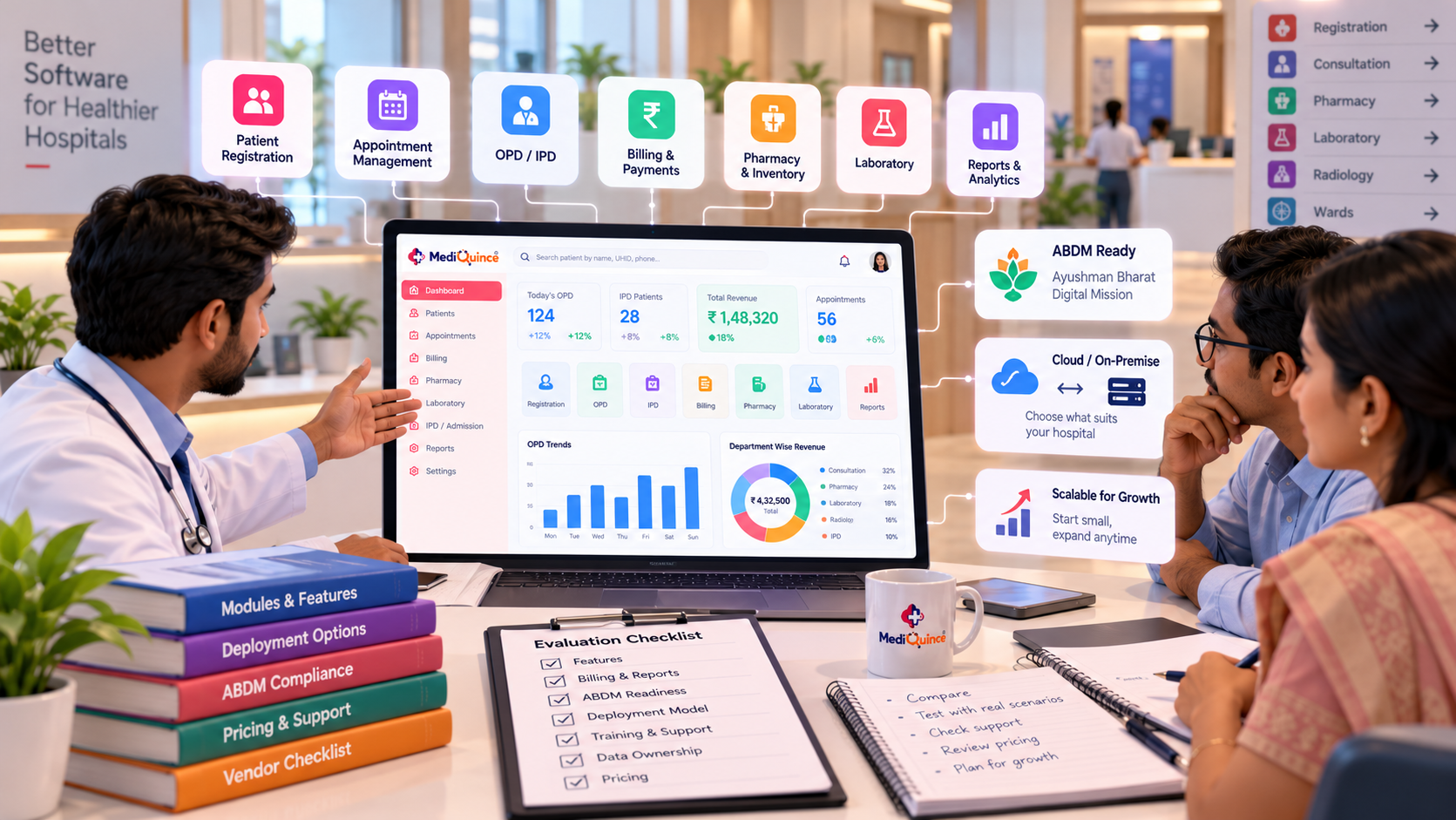
This makes vendor comparisons more objective and helps avoid paying for functions that the hospital does not need.
Test Workflows, Not Just Features
During a demonstration, ask the vendor to register a patient, retrieve the record, process a sample bill and generate a relevant report.
Observe whether the workflow is clear, whether information is duplicated and whether the result matches the hospital's requirements.
FAQs
What are the most important HMS features?
Patient management, required clinical records, billing, reporting, security and the operational modules needed by the hospital are common priorities.
Are all hospital management systems the same?
No. Features, integrations, deployment options and workflows vary between products.
How do I know whether a feature is included?
Ask the provider to demonstrate it and document whether it is included, optional or requires additional configuration.
Can HMS software be customized?
Customization depends on the provider, product architecture and commercial agreement. Confirm the scope before purchase.
Quick tipPrepare a checklist of essential, important and optional features before meeting vendors. During each demo, test the same patient registration, record retrieval, billing and reporting workflows so you can compare systems against your hospital's actual requirements.
Conclusion
The most suitable HMS is not necessarily the system with the longest feature list. It is the system that supports the hospital's essential workflows, protects information and offers appropriate support for its operating needs.

Mediquince Product Team
The team that designs, implements and supports Mediquince HMS for hospitals, clinics, labs and pharmacies.