Hospital queue management software helps healthcare facilities organize patient queues, coordinate outpatient workflows, track consultation status, and identify operational bottlenecks. Learn what to evaluate before choosing a queue management system for your hospital or clinic.
Hospital Queue Management Software How Hospital Queue Management Software Improves Patient Flow
Long waiting times, crowded reception areas, and confusion about consultation order can make hospital visits difficult for patients and staff. When registration, appointments, and consultations are managed through disconnected processes, hospital teams may struggle to understand where delays occur.
Hospital queue management software helps healthcare facilities organize patient movement and make outpatient workflows easier to coordinate.
What Is Hospital Queue Management Software?
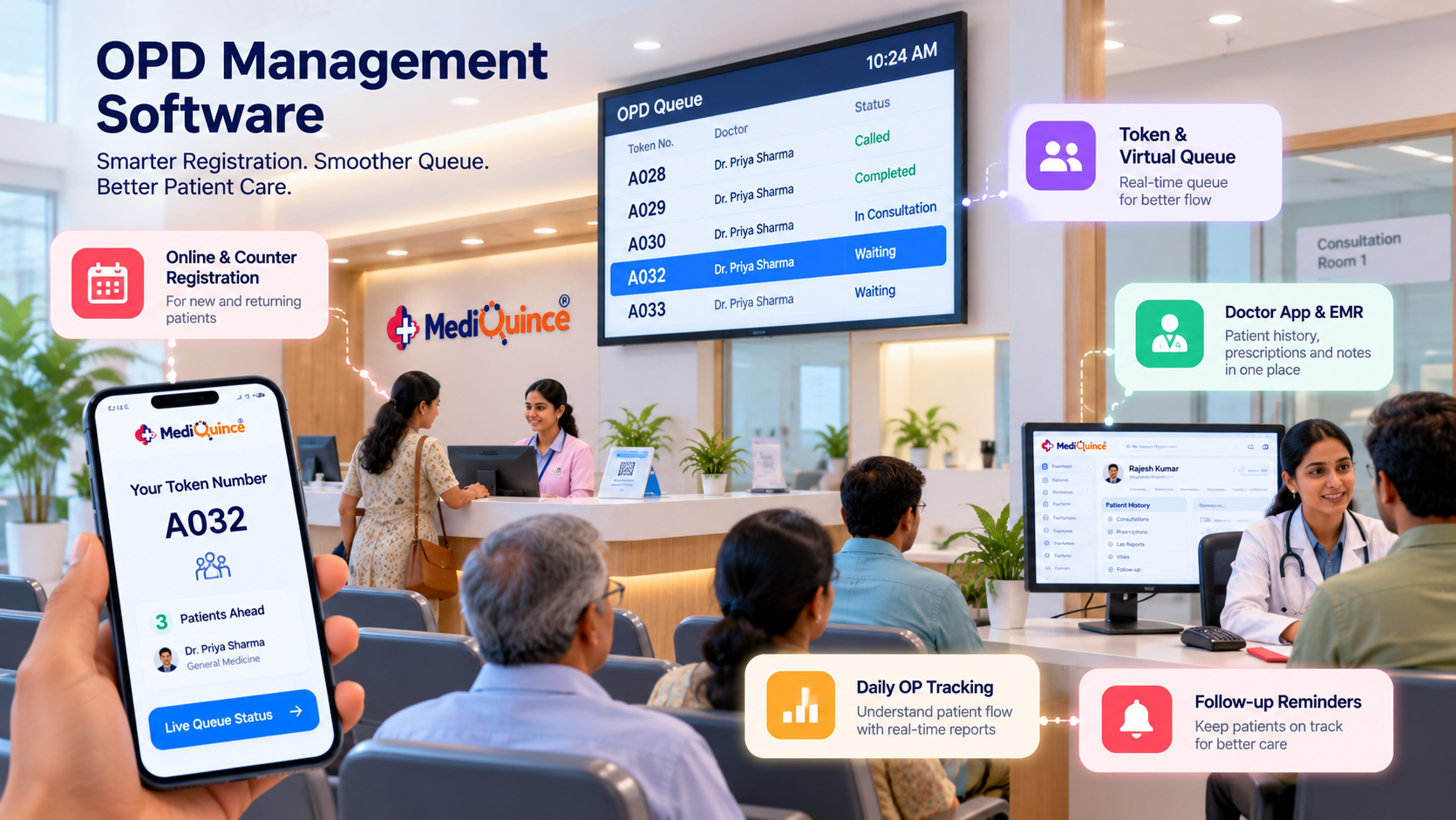
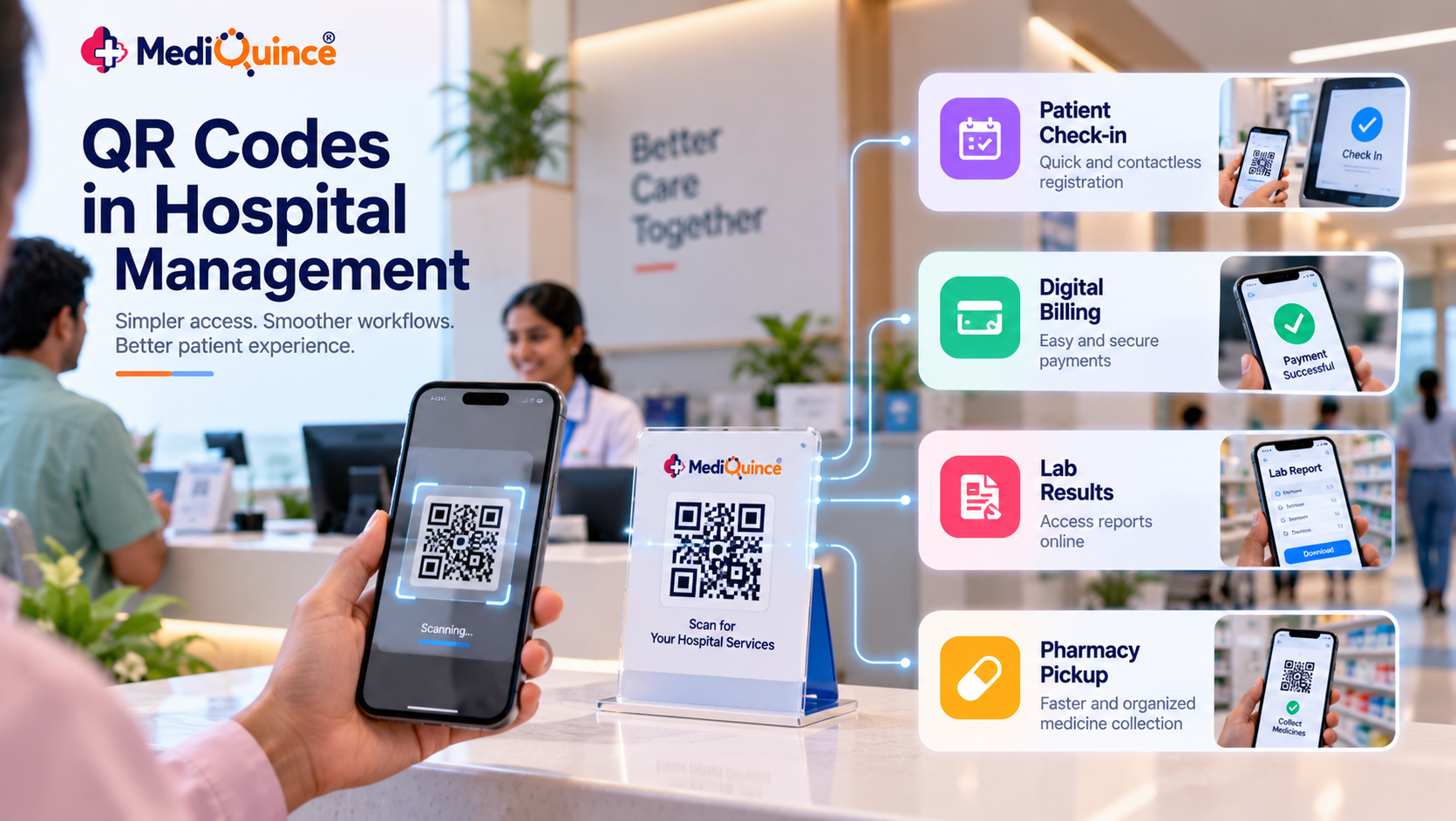
Hospital queue management software helps staff organize patient queues and track the progress of outpatient visits. Depending on the system, it may support registration, appointment check-in, queue status, consultation tracking, and patient notifications.
The objective is to make patient flow more visible and manageable, rather than relying entirely on verbal instructions and manual lists.
Common Challenges in Hospital Queue Management
1. Unclear patient order
Without a clear queue, patients may be unsure when they will be called. Reception staff may also spend time answering repeated questions about consultation order.
2. Delays between departments
A patient may complete registration but remain waiting for the next stage of the visit. When departments have limited visibility into patient progress, coordinating the next step becomes more difficult.
3. Limited visibility for administrators
Manual records may not provide an easy overview of daily patient flow, consultation status, or areas where queues regularly develop.
How Queue Management Software Helps
Organizes outpatient visits
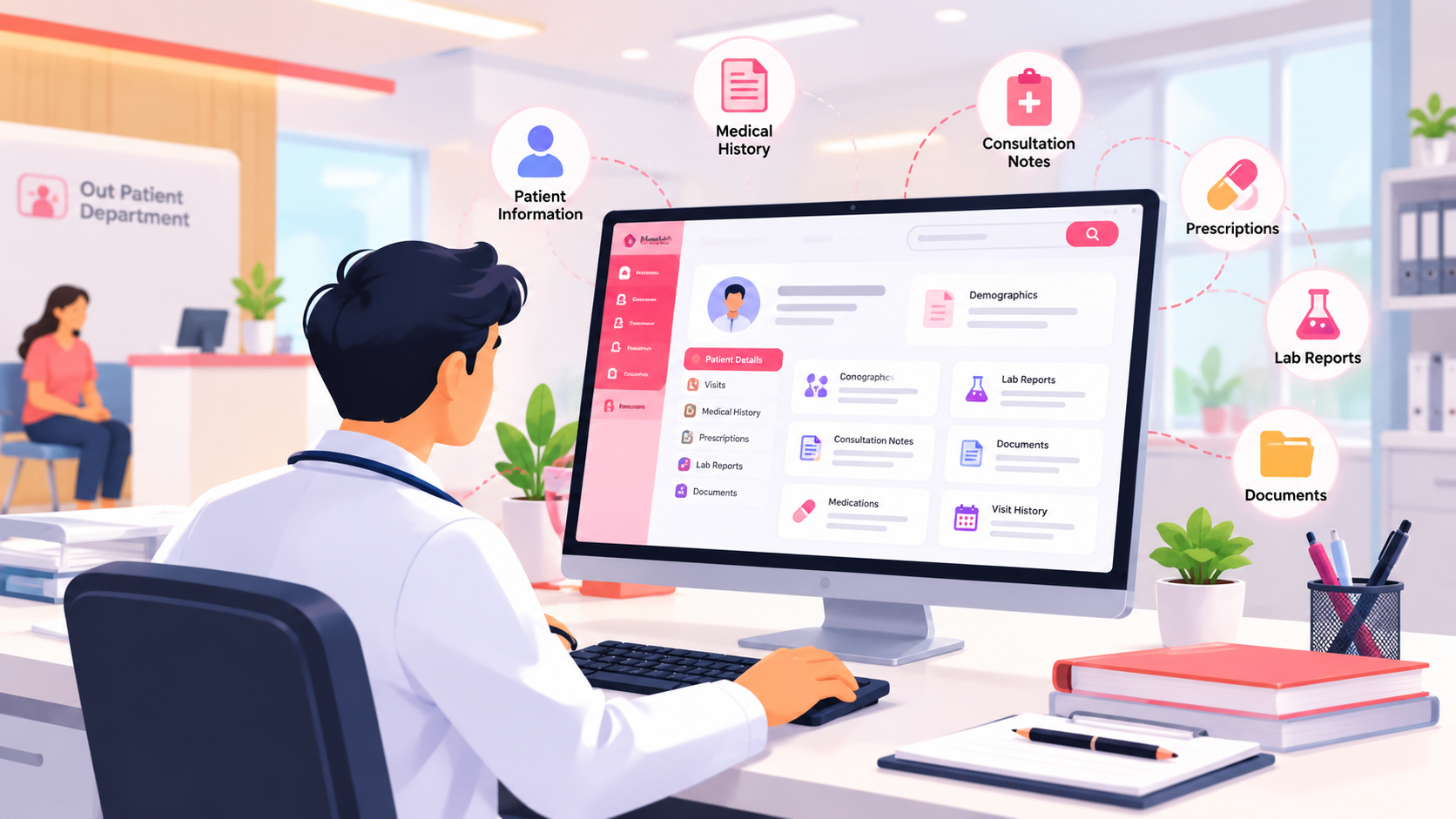
Digital patient tracking helps staff view outpatient activity and consultation progress from an organized workflow.
Supports better coordination
When the relevant staff can see patient status, they can coordinate registration and consultations more effectively.
Helps identify operational bottlenecks
Patient-flow information can help administrators investigate recurring delays, busy periods, and staffing requirements.
Improves communication
Virtual queues and suitable patient notifications can help patients understand the next step in their visit.
What Should Hospitals Evaluate Before Choosing a Queue System?
Before selecting hospital queue management software, evaluate whether it supports:
- Patient registration and outpatient tracking.
- Clear consultation status updates.
- Appointment-related workflows.
- Integration with existing hospital processes, where required.
- Reports that help administrators understand patient flow.
- An interface that receptionists and clinical staff can use comfortably.
A software demonstration should include a realistic patient journey from registration to consultation, not simply a dashboard presentation.
How Mediquince Supports Patient Flow
Mediquince's hospital solution highlights a virtual queue system, while its Doctor's App describes outpatient patient lists and consultation-status tracking. These capabilities are relevant to hospitals looking to organize outpatient workflows.
Hospitals should evaluate the exact queue configuration and workflows available for their facility during a product demonstration.
FAQs
1. What is hospital queue management software?
It is software that helps hospitals organize patient queues and coordinate outpatient registration, consultation status, and patient movement.
2. Can queue management software help reduce hospital waiting times?
It can help identify bottlenecks and improve coordination. Actual waiting-time improvements depend on staffing, appointment patterns, and operational processes.
3. Is queue management software useful for small clinics?
Yes. Clinics with recurring patient queues may benefit from clearer patient tracking and better coordination of consultations.
4. What should I check during a queue management software demo?
Test patient registration, queue status updates, consultation tracking, staff usability, and the reporting options available.
Quick Tip
During a software demo, follow a sample patient journey from registration to consultation. Check how staff update queue status, identify delays, and access patient-flow reports before deciding whether the system fits your hospital's workflow.
Conclusion
Effective queue management starts with visibility into patient movement and clear coordination between staff. The right software can help hospitals organize outpatient visits, identify operational bottlenecks, and make the experience easier to manage.

Mediquince Product Team
The team that designs, implements and supports Mediquince HMS for hospitals, clinics, labs and pharmacies.